
SSH terminal
What this page covers
Section titled “What this page covers”Once policy lets the connection through, how the connection itself is made. The principle shared across layer 03 is that credentials terminate here: a credential in the clear never passes through the browser, it is stored encrypted on the server, and at connection time it is decrypted in backend memory and injected into the protocol handshake. For the operator that is one less thing to keep; for the auditor, a connection made through this system necessarily passes through the same gateway.
This page covers SSH: creating the asset, managing several accounts on one machine, verifying the host key, and using the workspace.
Where the password is during a connection1 / 5
- At rest the data key seals the password on disk, and the master key wraps that data key. The browser does not have it.
- Connect sends a one-time ticket.
- The backend unwraps the master key layer first, then the data key. The password in the clear appears only in this box.
- SSH takes it for the handshake. The backend then clears it.
- The session is up. Disk is still ciphertext. The browser is still empty.
How the envelope is wrapped: Key management
What you need
Section titled “What you need”A target host running the SSH service (port 22 by default) that the backend can reach. The target host installs nothing.
How to set it up
Section titled “How to set it up”Create the asset
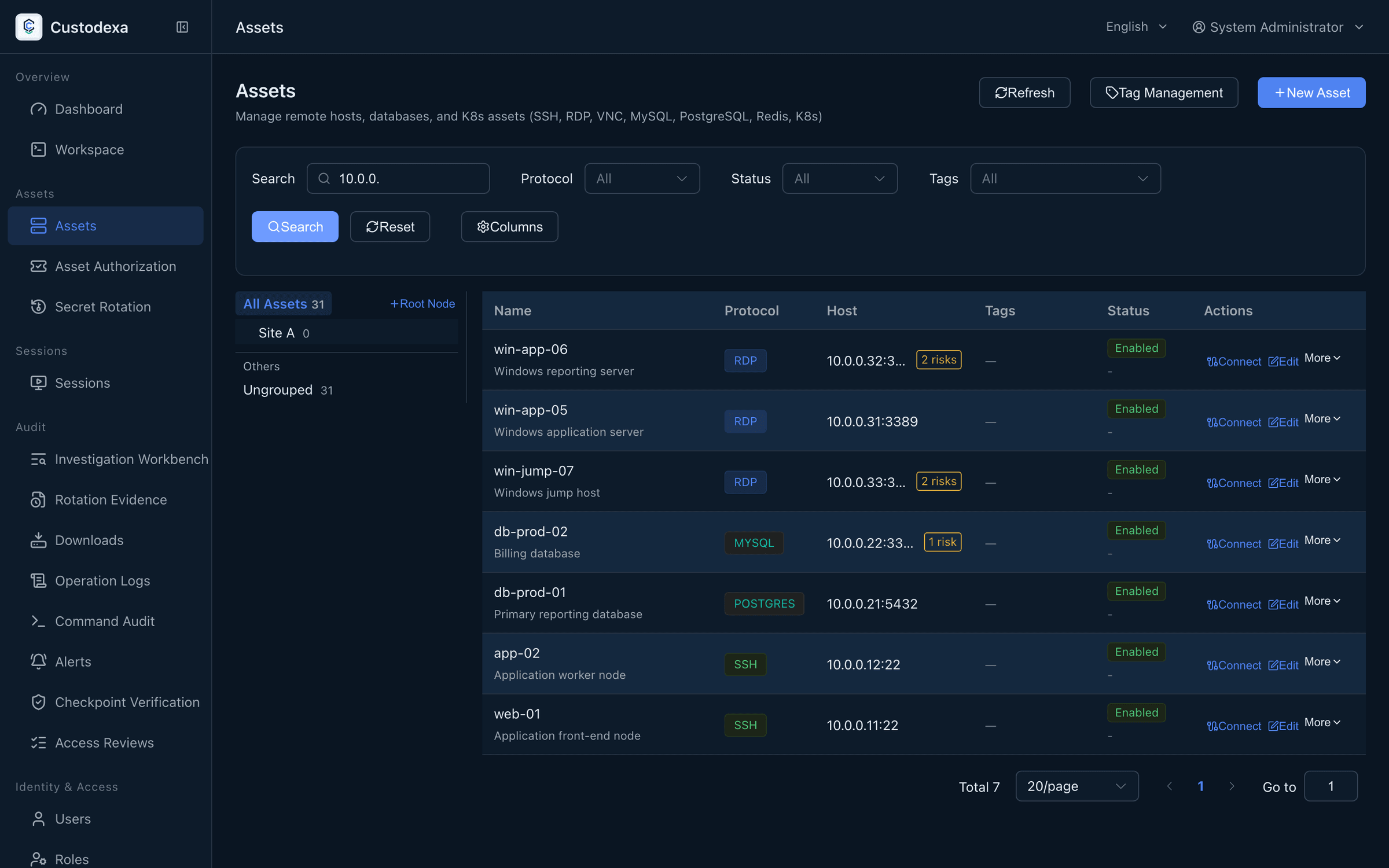
Section titled “Create the asset”On the Assets page press Add asset. The fields run name, protocol, host, port, then description, tags, node, and connection policy. Switching the protocol fills in that protocol’s default port. The login secret is either a credential dedicated to this asset, or a shared credential in the library that matches the protocol.
Several accounts
Section titled “Several accounts”One asset can hold several system accounts. The account entered when the asset was created becomes the default, and accounts are added and removed afterwards in the accounts section of the asset editor. Credentials are stored under envelope encryption, and one asset holds at most one default account. When several accounts exist, a picker appears before the connection, and the account you choose is written into the snapshot of that session.
Host key
Section titled “Host key”The first connection records the target host’s key algorithm and fingerprint, and afterwards a changed fingerprint refuses the connection rather than passing it silently. The host key section of the asset editor shows when it was recorded and the fingerprint, and it can be reset, after which the next connection records it again.
Using the workspace
Section titled “Using the workspace”Pressing Connect on the asset row opens a workspace tab and connects to that asset. In the workspace:
- The sidebar lists the assets you can reach, tabs stay alive, several connections run at once, and tabs can be dragged into order.
- The tab context menu offers reconnect, duplicate session, close, close others, close to the left, close to the right, and close all.
- A disconnected tab is grayed out but stays, with Reconnect on the panel, so there is no need to close and reopen it.
- Ctrl or Cmd plus F searches the terminal output, Enter finds the next match, Shift plus Enter the previous, and Esc closes the search and returns focus to the terminal.
- The snippet drawer holds commands you use often; pressing Use injects the text into the terminal without running it.
- The latency badge measures the round trip from the existing keepalive traffic and color-codes it.
- The system monitor drawer shows the target host’s hostname, uptime, load, memory, and network, refreshed every two seconds, and stops querying when you close it.
- The toolbar also carries session sharing and file management; see Investigation workbench and File and clipboard control.
A narrow window or a touch device gets a row of shortcut keys covering ESC, Tab, Ctrl+B, Ctrl+C, and the arrow keys.
The security policy controls the idle timeout and maximum duration of a session, and a disconnection on timeout writes its reason into the session record.
What auditors can see
Section titled “What auditors can see”- Recording: text sessions are recorded end to end in asciicast format and play back on the session detail page.
- Commands: terminal output is reassembled through a virtual screen, so the commands the user actually ran are reconstructed and kept one by one.
- Account snapshot: the session records the account identifier along with the username at the time of the connection, so a later rename or deletion leaves the history intact.
- Creating, updating, and deleting an account, and switching the default, leave records with the operator, asset, and account name, and no credential material.
- The screen carries a watermark of the username and the date.
- A block is written with a standard marker in three places: the recording, the live view, and the audit records.