
AI agent accounts and tokens
What this page covers
Section titled “What this page covers”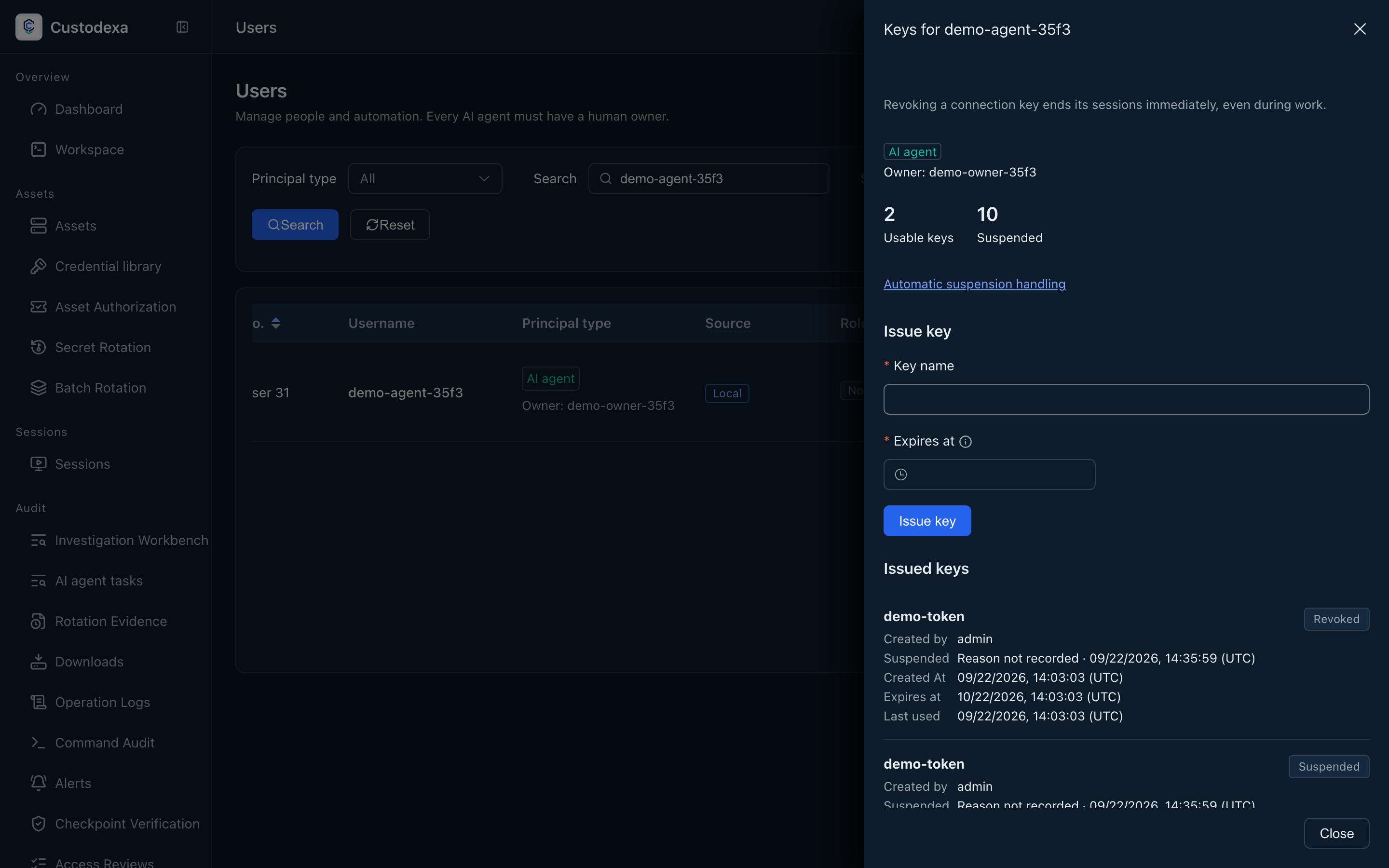
An automation actor has a distinct AI agent identity and a human owner. Requests, sessions, tool calls, and task reports are attributed to that identity.
How to set it up
Section titled “How to set it up”In Users, create an AI agent and choose its owner. The form has no human login password or MFA fields and offers no approver, administrator, or auditor roles. Filter the list by identity type; the type and owner appear beside the agent’s name.
In its token panel, create a token with a name and expiry. The plaintext appears only at creation; copy it and confirm it has been saved. The panel lists each token’s creator, creation time, expiry, last use, and status. Revocation requires confirmation and ends related sessions being established.
An administrator can enable owner self-service creation and set quotas through policy. Owners use their self-service page to manage their agents and tokens. See MCP automation connections and Requests and approvals.
What auditors can see
Section titled “What auditors can see”Identity type and owner appear in requests, sessions, and tasks. Creation, revocation, and policy changes enter the audit log. The recording is the source of truth for managed text sessions, and input without echo leaves no command-text record. Tool call ledger records each call.