
External group mappings
What this page covers
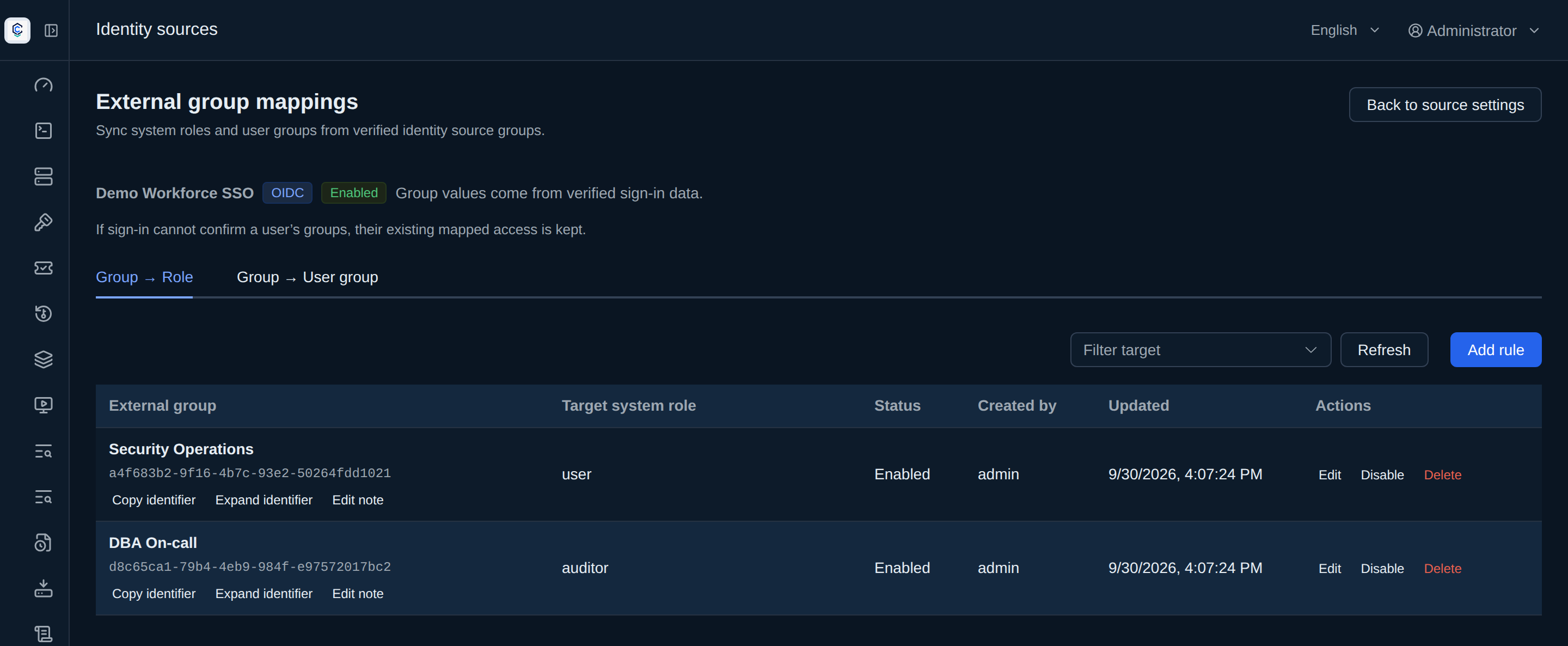
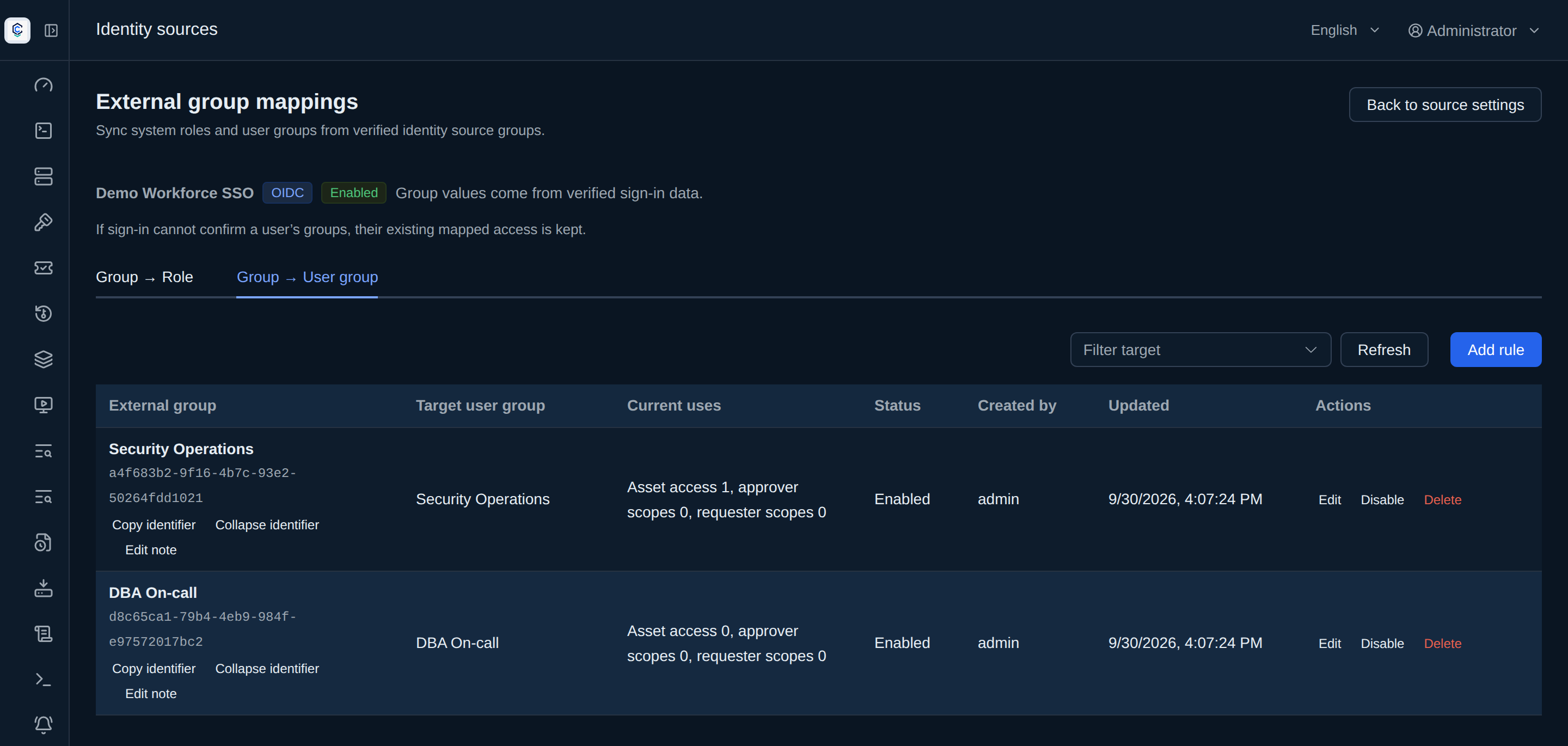
Section titled “What this page covers”Identity sources manage LDAP and OIDC together. External group mappings have two tabs: Group → Role and Group → User group. A note or display name for the same external group is shared across both tabs. The source list counts the two rule types separately. Group values come from verified sign-in data.
External group mappings, synchronized at sign-in4 / 4
- On an external sign-in, the identity source brings the group list from this attempt.
- When a group matches a rule, its role or user group is added with the mapping rule recorded as support.
- Roles an administrator assigned by hand are stored separately. A group-mapping recompute does not overwrite them.
- When the group has been withdrawn and the next sign-in brings a known group list, the recompute removes the mapped role; the administrator assignment stays.
Sign-in synchronization and withdrawal
Section titled “Sign-in synchronization and withdrawal”On each successful external sign-in with a known group list, both mapping types are recomputed together. Administrator-assigned roles and manually added user-group members remain. Access with support from another rule or source also remains. A known empty list removes this source’s unmatched mapping support; an unknown group result keeps existing support and records why. Accounts with a local password do not use external group mapping.
Disabling or deleting a rule, or disabling its source, immediately removes effective access that has no remaining support. A new or re-enabled rule grants access on the relevant user’s next successful sign-in. When an effective role or membership is removed, existing refresh credentials are revoked. A change to an external group value without a rule edit is reflected on the next sign-in with a known group list.
How to set it up
Section titled “How to set it up”- Configure the group attribute in LDAP and AD or the group claim in OIDC single sign-on. Then select a source under Identity sources and open External group mappings.
- In Group → Role, choose the external group and system role. In Group → User group, choose the external group and target user group. Updating the shared note from either tab updates its display in both.
- If the target user group is already used for asset access, approver scope, or requester scope, the page lists those uses and requires confirmation before saving. See User groups for membership management.
When disabling or deleting a rule or disabling a source, the interface shows affected accounts and effective access that may be lost. Editing a group value or target removes the old rule’s support now; the new rule applies at next sign-in. A rule may be prepared before the source’s group field is configured; sign-in synchronization then skips it and leaves a record.
What auditors can see
Section titled “What auditors can see”Both rule types, sign-in synchronization and immediate withdrawal leave identifiable records. Source details show rules, recent sign-ins and group observations. User-group members are marked manual, mapped, or both.