
Recording and playback
What this page covers
Section titled “What this page covers”Layer 05 is the evidence itself. While a connection runs, the system leaves records at several levels, and those records can prove they were not tampered with. This page covers the most basic level: the recording.
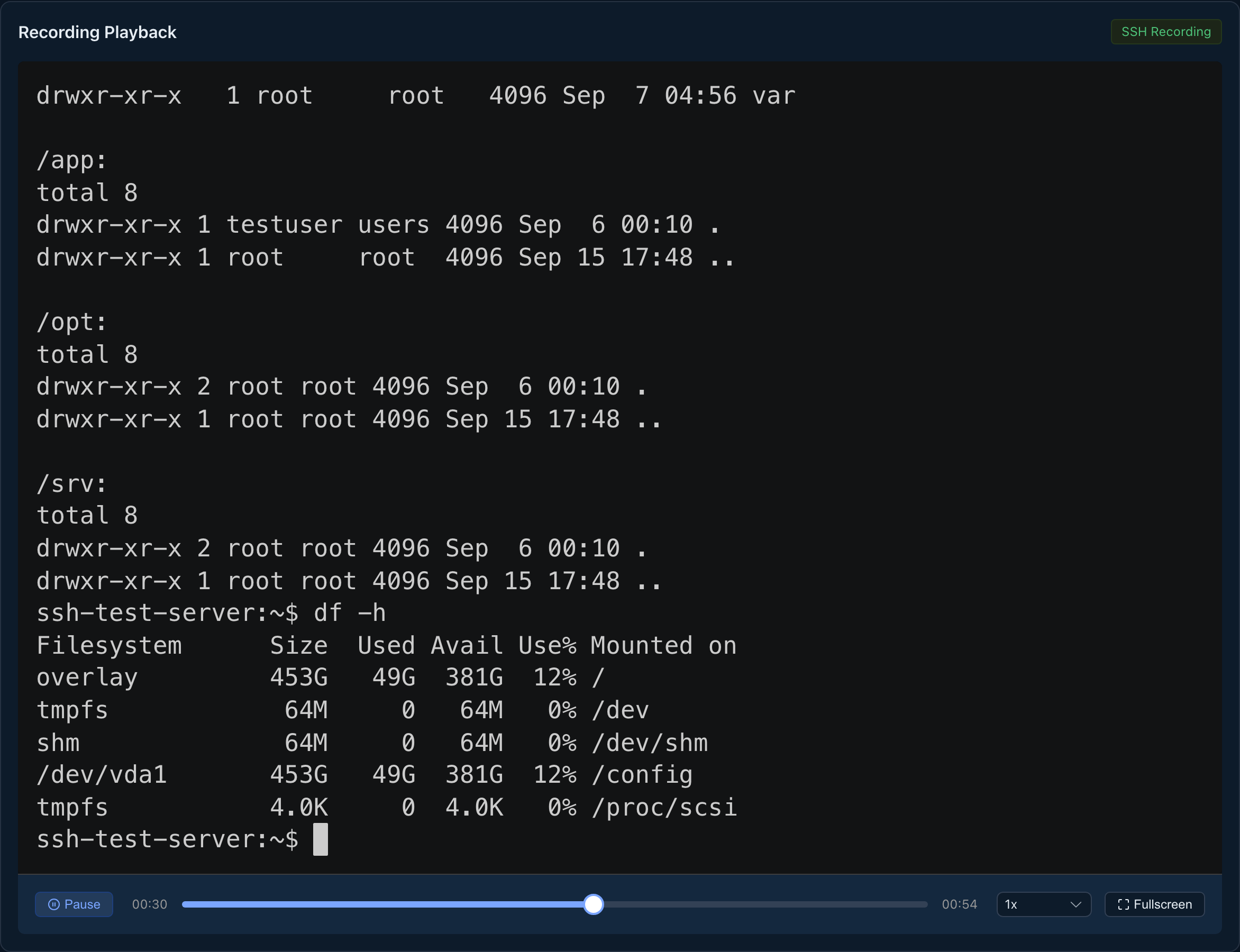
Text and graphical sessions are recorded end to end, and playback can be scrubbed, run at speed, and deep-linked to a moment in time. A failed recording is not silent: it is detected, marked on the session, and raises an alert, and the system can be set to refuse a connection it cannot record.
What you need
Section titled “What you need”A writable recording directory on a persistent path. Recordings and the database sit under the same DATA_PATH folder root; see Backup and restore for how to back them up.
How to play a session back
Section titled “How to play a session back”Open a session’s detail page from Sessions, and the playback area is on the page. Text and graphical sessions each have their own player, and both run from 0.5x to 8x. Changing the speed keeps the current position and play state. The progress bar can be dragged while playing and while paused.
AI agent session details include that session’s tool calls; task details include all task calls. A command blocked before reaching the target can be checked in the recording and ledger. Sensitive fragments are masked in readable ledger fields, while authorized reviewers can enter a reason to access encrypted originals. The recording is the source of truth for text sessions; input without echo leaves no command-text record.
How access terminates
Section titled “How access terminates”Reaching a recording goes through a single-use access ticket: ask the backend for a ticket, then use it to fetch the stream. The ticket is opaque, valid for 120 seconds, and authorizes the recording of that one session; expired or invalid, it is refused. Fetching a graphical recording carries the credential in a header, with no ticket in the address. This is the only entrance, for every protocol.
Time anchors
Section titled “Time anchors”Arriving from a command record or the investigation workbench, the address carries a number of seconds, and playback positions itself around that moment. The backend provides the time baseline and the interface converts it. When the moment falls outside what the recording covers, the interface says so and positions at the end that is available, rather than pretending it landed.
Retention and offsite copies
Section titled “Retention and offsite copies”The retention period for recordings ships as 90 days, where 0 means keep forever, set on the security policy page; see Retention, purging, and observability.
With offsite storage on, a missing local file is fetched back from object storage by the backend and forwarded, with the hash and size confirmed to match first, and no direct storage address is ever handed to the frontend. The local copy can carry a shorter retention period of its own; see Offsite evidence storage.
What happens when a recording fails
Section titled “What happens when a recording fails”Detection runs two ways: a text recording is detected on a startup failure and on a write error, and a graphical recording is judged after the session ends by whether the file exists. On a match, the session is marked as having no recording, a record is written, and the failure alert channel reports it.
The security policy has a “block new connections when recording fails” switch, shipped off. While it is on and the recording directory is not writable, no connection ticket is issued and a clear reason code comes back. Administrators are the one exception, and such a connection carries an exemption marker and raises an alert. This check runs after the asset enabled check and before the access policy gate.
Watermark
Section titled “Watermark”The session screen and the shared viewing page carry a watermark of the viewer’s username and the date, tiled diagonally, semi-transparent, and it intercepts no input.
What auditors can see
Section titled “What auditors can see”- The recording state column on the session detail has three values: recorded, not recorded, and not recorded (failure).
- Each failed recording leaves a record, shown as a named event on the timeline of the investigation workbench.
- Access served from an offsite copy carries a source marker and the reason it fell back to the offsite copy.
- An auditor watching live and someone joining a shared session each leave a record with the person, the session, the source address, and the time.