
Compliance map and reports
What this page covers
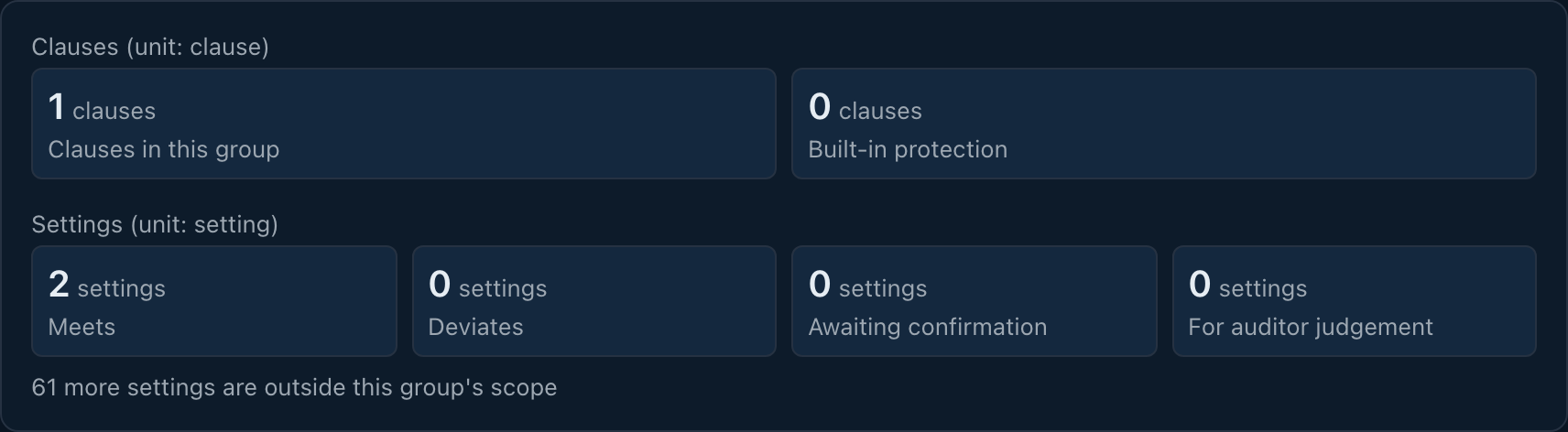
Section titled “What this page covers”The Compliance map presents clauses and setting verdicts for active policy groups. Authorized users can produce a snapshot report for offline storage and signature verification.
How to set it up
Section titled “How to set it up”Open Compliance map under Audit and select one active policy group. Each setting can be conforming, divergent, awaiting manual confirmation, awaiting audit interpretation, or unmapped. Only conformity and divergence contribute to their corresponding counts. Filter verdicts and follow a setting row to its change record.
Select Generate report, then Traditional Chinese, English, or Japanese and a retention period of 1 to 3650 days, default 90. The report captures the verdicts at production time and does not reconstruct a past period. Find job status and the download under Reports in the Download center. Download and save it before expiry, when it is removed from the center.
The ZIP contains report.pdf, clauses.csv, manifest.json, and manifest.sig. PDF summary and CSV details come from the same dataset. The manifest has file hashes and the signature can be verified offline. A conforming verdict means a setting meets the clause requirement; it is not an organization-wide compliance determination.
What auditors can see
Section titled “What auditors can see”The report includes group, version, data time, producer, summary, and details. Creation and downloads are audited, and any account with audit view permission can access the shared report. For session investigations, recordings remain the source of truth for text sessions, and input without echo leaves no command-text record. Structured query records are the source of truth for queries.